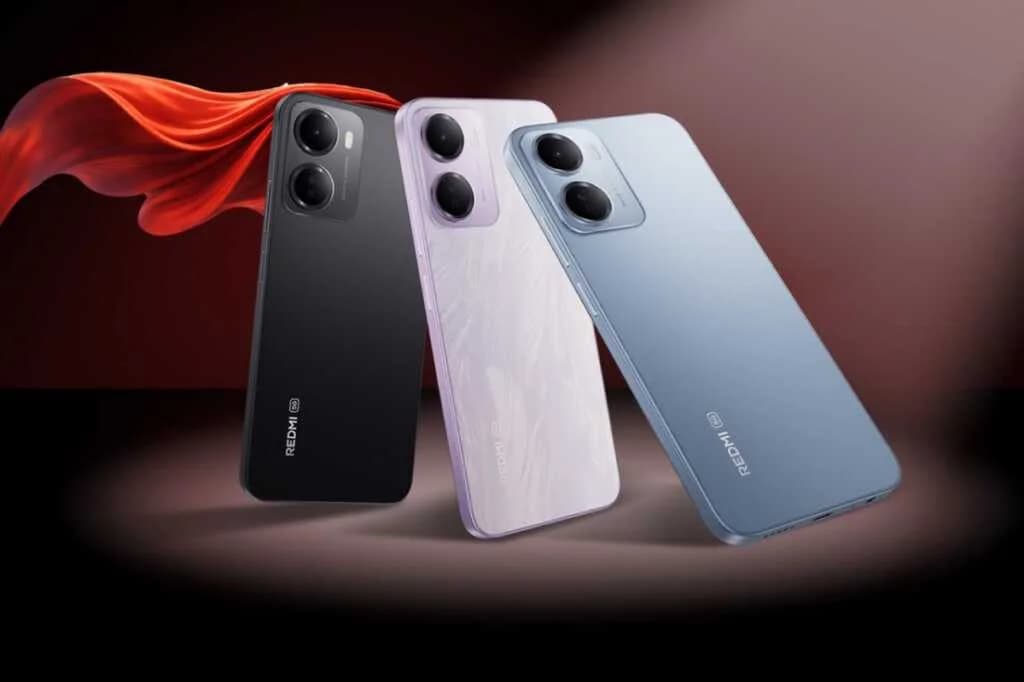
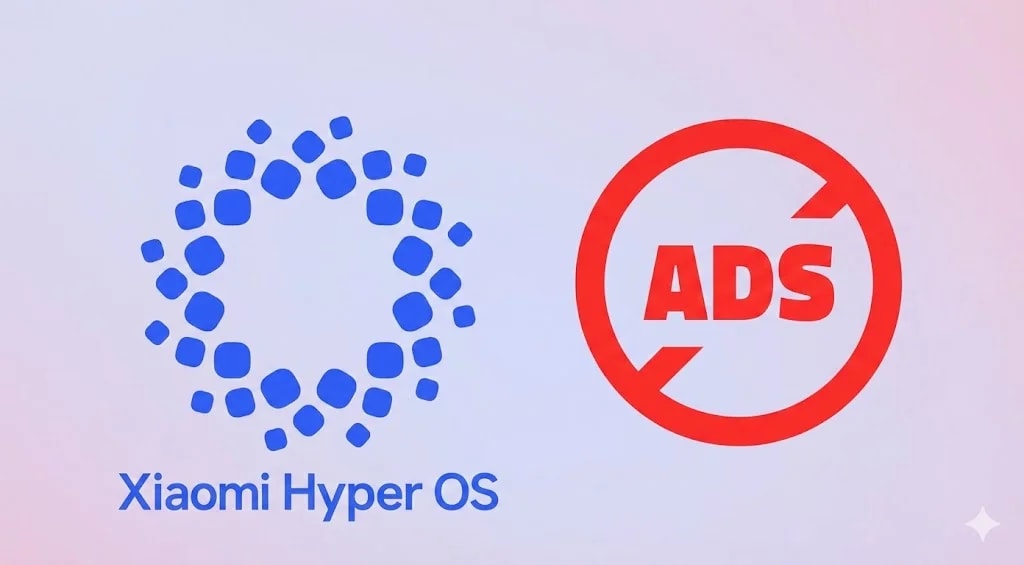
Xiaomi, Redmi နဲ့ POCO ဖုန်းတွေမှာ အသုံးပြုထားတဲ့ HyperOS စနစ်မှာဆိုရင် Downloads, Mi Browser, Music နဲ့ Security စတဲ့ System App တွေထဲမှာ ကြော်ငြာတွေ မကြာခဏ တက်လာတာကို သတိထားမိကြမှာပါ။ Xiaomi အနေနဲ့ ကြော်ငြာအားလုံးကို အလိုအလျောက် ပိတ်ပေးမထားပေမဲ့ လွယ်ကူတဲ့ Setting အပြောင်းအလဲလေးတွေ လုပ်ရုံနဲ့ ဖုန်းအတွင်းက ကြော်ငြာအများစုကို ရှင်းလင်းနိုင်ပါတယ်။ ဒါကြောင့် ဖုန်းကို ရှင်းရှင်းလင်းလင်းဖြစ်စေဖို့နဲ့ ကြော်ငြာတွေကို လျှော့ချနိုင်မယ့် နည်းလမ်းတွေကို အကျဉ်းချုပ် တင်ပြလိုက်ပါတယ်။
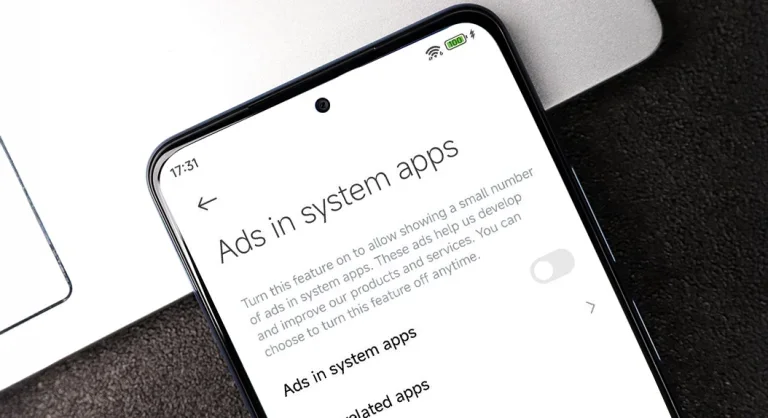
၁။ MSA System Ad Service ကို ပိတ်ပါ။
ကြော်ငြာအများစုဟာ စနစ်တစ်ခုလုံးကို ကြော်ငြာတွေ ပို့ဆောင်ပေးနေတဲ့ MSA (MIUI System Ads) ကနေ လာတာ ဖြစ်ပါတယ်။ ဒါကို ပိတ်ဖို့အတွက် Settings ထဲကနေ Fingerprints, face data & screen lock (သို့မဟုတ် Passwords & security) ကို သွားပါ။ အဲဒီနောက် Authorization & revocation ကို နှိပ်ပြီး MSA ကို ပိတ်ကာ Revoke ကို နှိပ်ပြီး အတည်ပြုပေးပါ။ ဒါဟာ ကြော်ငြာအများစုကို ရပ်တန့်သွားစေပါတယ်။
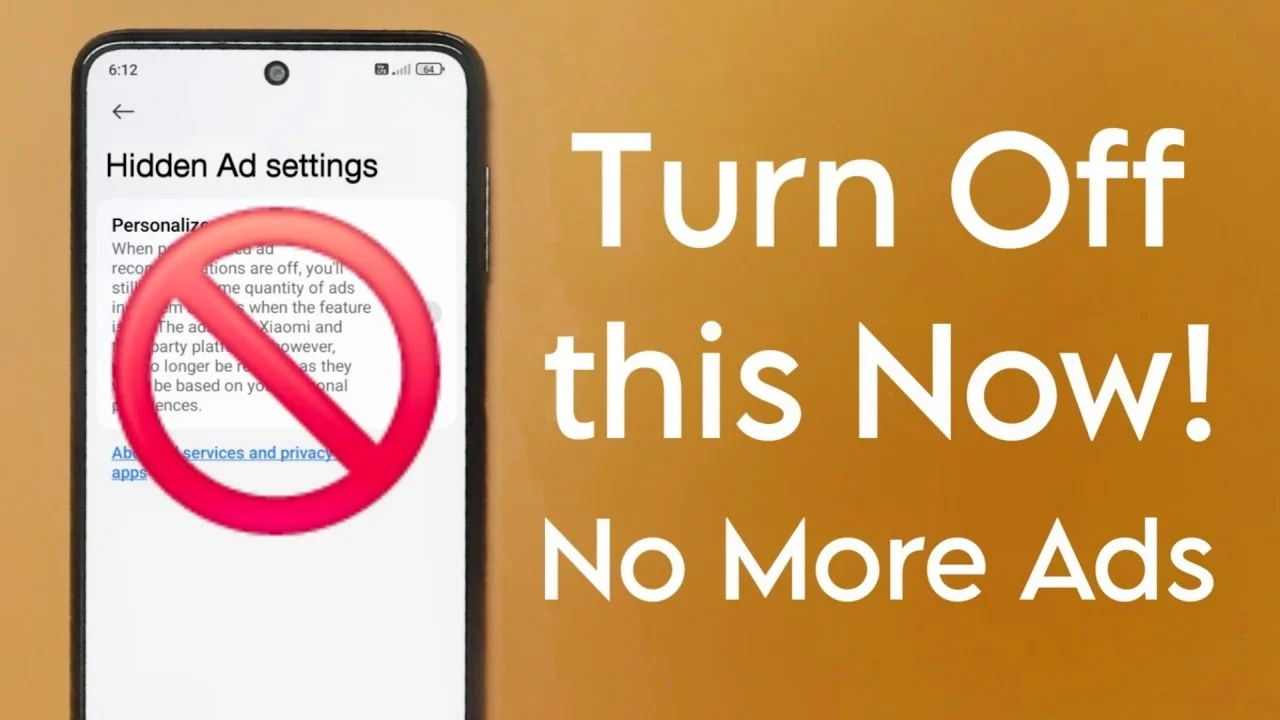
၂။ ကိုယ်ရေးကိုယ်တာ အချက်အလက်ယူပြီး ပြသတဲ့ ကြော်ငြာတွေကို ပိတ်ပါ။
ကိုယ့်ရဲ့ အသုံးပြုမှု အချက်အလက်တွေကို ရယူပြီး ပြသနေတဲ့ ကြော်ငြာတွေကိုလည်း ပိတ်နိုင်ပါတယ်။ Settings ထဲက Privacy ကို သွားပြီး Ad services (သို့မဟုတ် Advertising services) ထဲဝင်ကာ Personalized ad recommendations ကို ပိတ်လိုက်ပါ။ ဒီလိုလုပ်ခြင်းအားဖြင့် ကိုယ့်ရဲ့ အချက်အလက်တွေပေါ် မူတည်ပြီး ကြော်ငြာပြသမှုတွေကို တားဆီးပေးနိုင်ပါတယ်။
၃။ System App တစ်ခုချင်းစီမှာ ကြော်ငြာတွေကို လိုက်ပိတ်ပါ။
ပိုပြီး ကြော်ငြာကင်းစင်ချင်တယ်ဆိုရင်တော့ App တွေထဲကို တစ်ခုချင်းစီ ဝင်ပြီး ပိတ်ပေးဖို့ လိုအပ်ပါတယ်။ ဥပမာအားဖြင့် Downloads, Mi Browser, Mi Video Player, Music, Security, Themes နဲ့ App Vault စတဲ့ App တွေရဲ့ Settings တွေထဲကို ဝင်ပြီး Show ads နဲ့ Personalized recommendations ဆိုတဲ့ စာသားတွေကို လိုက်လံ ပိတ်ပေးရမှာ ဖြစ်ပါတယ်။
၄။ တခြားနည်းလမ်းတွေနဲ့ ဘာကြောင့် ပိတ်သင့်သလဲဆိုတဲ့ အချက်။
အထက်ပါ နည်းလမ်းတွေအပြင် Settings ထဲက Apps ၊ အဲဒီကနေတဆင့် Manage apps နဲ့ View all apps ထဲဝင်ပြီး msa ရဲ့ Notifications တွေကို သွားပိတ်ထားတာမျိုး၊ ဒါမှမဟုတ် AdGuard လိုမျိုး Private DNS တွေကို အသုံးပြုပြီး ကြော်ငြာတွေကို တားဆီးတာမျိုးလည်း လုပ်နိုင်ပါတယ်။ ဒီလို ကြော်ငြာတွေကို လိုက်ပိတ်တာဟာ စိတ်အနှောင့်အယှက် ကင်းစေရုံသာမက ဘက်ထရီသက်တမ်းနဲ့ ကိုယ်ရေးကိုယ်တာ လုံခြုံမှုကိုပါ သိသိသာသာ ကောင်းမွန်စေပါတယ်။ Software Update လုပ်ပြီးချိန်တွေမှာတော့ Setting တချို့ ပြန်ပွင့်သွားတတ်လို့ တစ်ခါတလေ ပြန်စစ်ဆေးပေးဖို့တော့ လိုအပ်ပါတယ်။
Ref: Gizmochina